Your guests already carry cameras. Flick hands them film.One QR · limited shots · a shared gallery, sealed until you say so.

Launch access

Get the host app invite when Flick opens.

QR
WEB
APP
ZIP

Now in early access for first hosts

Sample Wedding Roll
flickapp.in/r/sample · Reveals tomorrow 9 AM
Live
sample state
24
shots
9h
to reveal
Your shots
14/24
How many days?
1 day
2–3 days
4+ days
Ceremony
Reception
After Party
Film develops in
08:47:12
Next morning · 9 AM reveal
1
QR code runs your whole event
0
App downloads asked of guests
$0
For guests who never shoot
New
Early access is open now

Load. Shoot. Reveal.

Set up in five minutes. Guests need nothing but the phone already in their pocket.

01

You load the roll

Name the event, set shots per guest, pick the reveal moment. Your QR code and printable card are ready in seconds.

02

Guests scan & shoot

No download, no account. The camera opens in the browser with a limited roll — so every shot is taken like it counts.

03

The Memory Drop

At your chosen moment the gallery unlocks for everyone at once. Every angle of the night, one tap to download it all.

Scan it. Shoot it. See it.

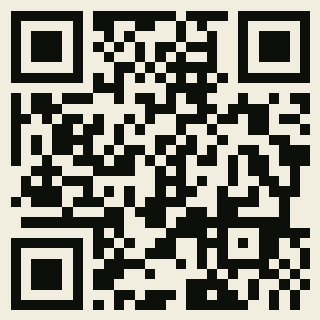
Scan this with your phone to try the guest camera right now — the same limited roll your guests would get. Nothing you shoot is uploaded or saved.

No phone handy? Open the demo here
QR code to try the Flick guest camera demo

Pay for memories.
Not empty seats.

One flat price per event. Each plan includes a contributor cap — guests who actually shoot — so unused invites never cost extra. Prices shown in USD $switch currency

Free
$0
forever
Test it before your real event.
  • 10 active contributors
  • 8 shots per guest
  • Gallery 7 days
  • Flick watermark
Start free
Party
$9
per event
Birthdays, reunions, get-togethers.
  • 75 active contributors
  • 25 shots per guest
  • Gallery 90 days
  • No watermark · ZIP export
Create a Roll
Big Event
$60
per event
Festivals, corporate, brand events.
  • 600 active contributors
  • 40 shots per guest
  • White-label QR branding
  • App dashboard + priority support
Create a Roll
Digital add-ons — after any paid event
Guestbook PDF +$4
Highlight reel page +$5
5-year archive +$6
Branded QR card (printable) +$3
Planner Pro · unlimited events $60/mo

Not another camera app.

We fixed the things hosts actually hate.

  • Pay only for active contributors
    Competitors charge by invites sent. We charge only for guests who actually shoot. Empty scans cost you nothing.
  • Zero friction for guests
    No App Store. No account. No phone verification. Scan QR, enter name, shoot. Works on any phone.
  • Your event, your functions
    Tell us how many days. You name your own functions — type "Haldi", "Rehearsal Dinner", "Traditional", whatever your event calls it. No assumptions made.
  • You control the reveal
    Live, host-unlock, next morning, or 24 hours. The gallery is locked until you're ready. The wait is the experience.
Sample Event Roll
flickapp.in/r/sample
Browser camera · Reveal controls
Share QR →
QR
guest view preview
$30
one event · pay per roll

Guests understand it instantly.

Every table card, welcome sign, or invite link becomes a limited-shot camera roll — at weddings, birthdays, launches, reunions, and private parties.

Example setup

One QR code and a morning reveal.

A host can place Flick QR cards at the ceremony entrance and reception tables. Guests use their browser camera during speeches, dance-floor moments, and late-night sendoff, then everyone comes back for the gallery reveal.

QR
one scan to open camera
Roll
limited shots per guest
0
guest app downloads
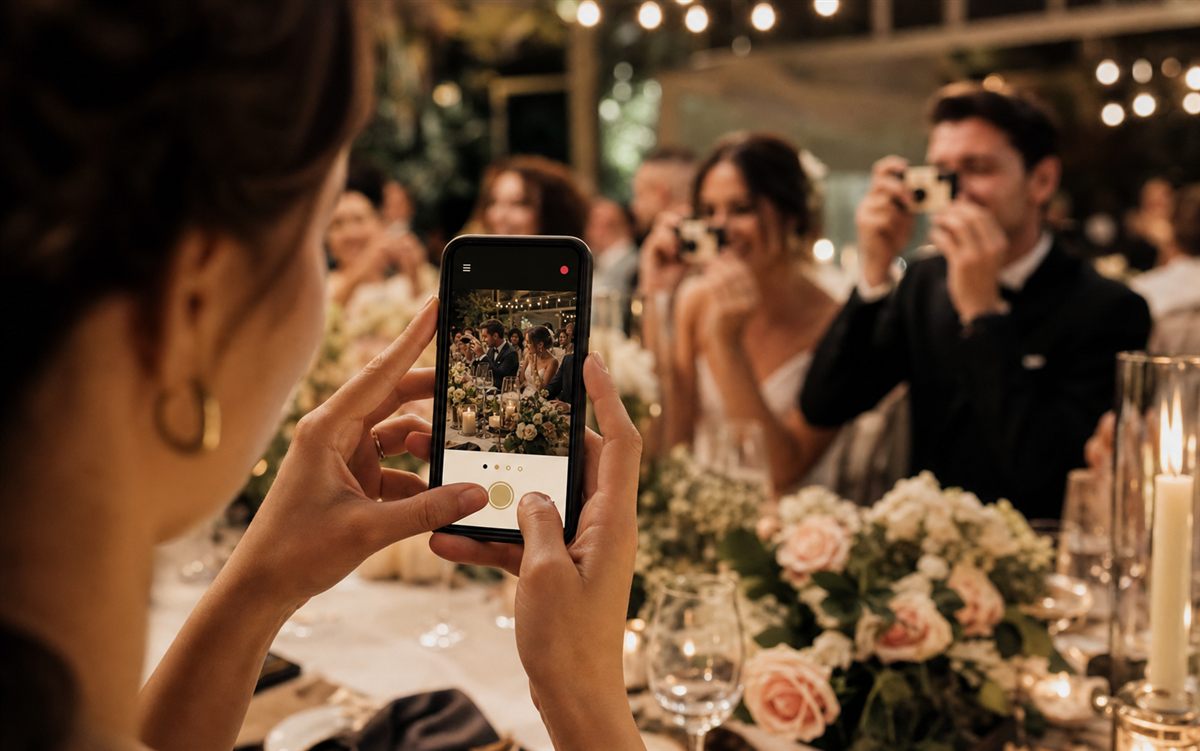
Wedding guest using the Flick disposable camera app on a phone at a reception
Guests open the Flick camera from the event QR and shoot their limited roll in the moment.
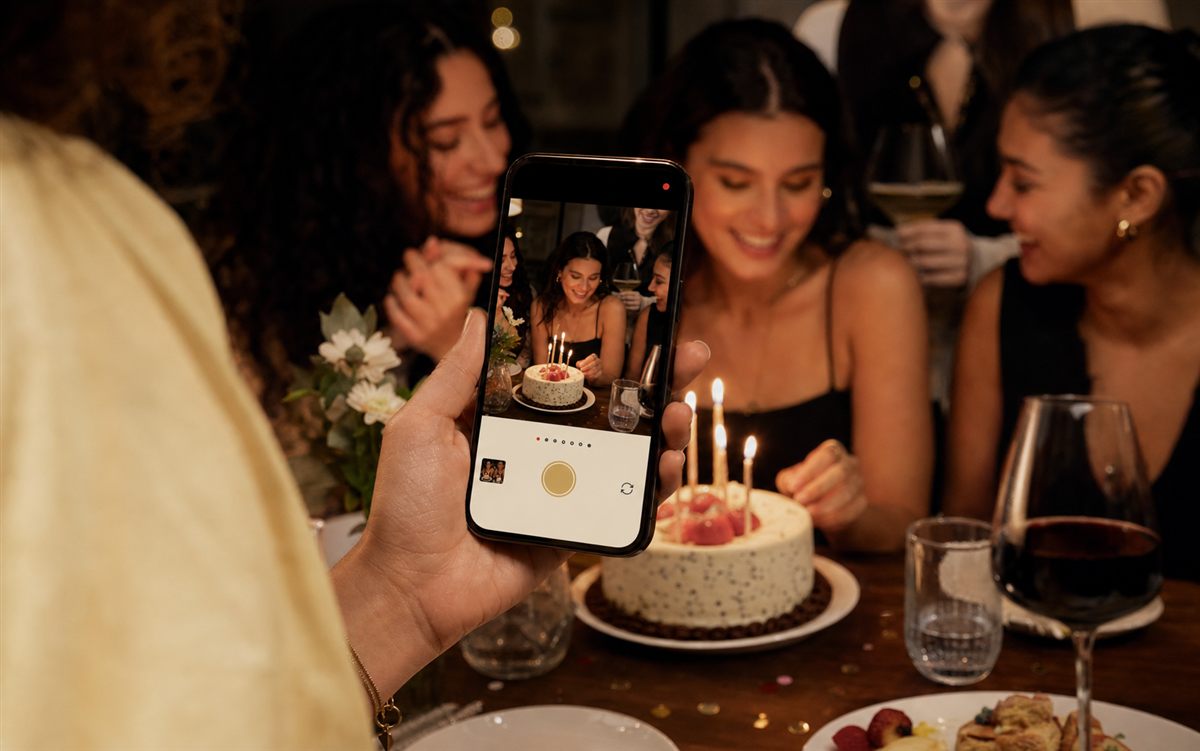
Birthday party guest using Flick on a phone to capture a cake moment

Birthday parties

Limited shots make the photos feel intentional.

Hosts use a 24-shot roll so friends capture cake, reactions, and after-party moments without flooding the gallery with duplicates.

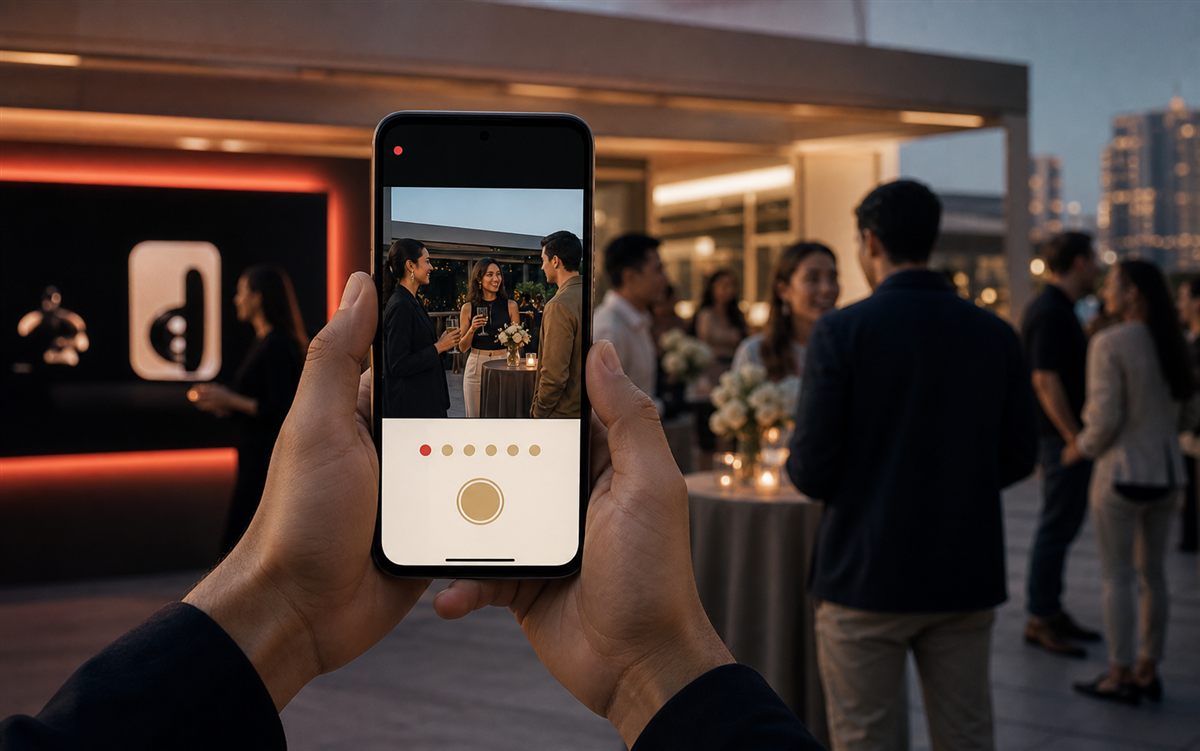
Corporate event guest using the Flick camera app on a phone

Launches and brand events

Capture guest POV without a social wall.

Teams add the QR to table cards, programs, and venue screens, then export a clean gallery after the event.

Wedding guests capturing a moment with the Flick camera at a multi-day celebration

Multi-day celebrations

One roll per function, one reveal per moment.

Haldi, ceremony, reception, brunch — give each function its own roll with its own shot limit, QR code, and reveal time.

Helpful answers before you create an event roll.

Planning guide

How to use a disposable camera app at a wedding

Place the QR code where guests naturally pause: welcome table, ceremony program, dinner menu, bar, and dance-floor sign. Keep the shot count limited so the gallery feels like film.

Comparison

Disposable camera app vs shared photo link

A shared upload link collects files after the moment. A disposable camera roll creates the moment during the event with a live camera, shot limits, and a delayed reveal.

Host checklist

How many guest photos should an event allow?

For birthdays and parties, 8 to 25 shots per guest is usually enough. For weddings and multi-day events, 40 shots keeps the roll generous without becoming noisy.

Disposable camera app FAQ

Short answers for hosts searching for a QR photo booth, wedding disposable camera app, event photo sharing app, or no-download guest camera.

What is a disposable camera app?

A disposable camera app gives guests a limited number of event photos to take from their phone. Flick recreates the feeling of film by using shot limits, a shared event roll, and a reveal time.

Do guests need to download an app?

No. Guests scan a QR code, enter a first name, and shoot from the browser. Flick is built to work at events where guests will not install another app.

Can Flick work for weddings, birthdays, and corporate events?

Yes. Flick works for weddings, birthdays, parties, reunions, festivals, launches, school events, and corporate gatherings. Hosts can create one roll or multiple rolls for different functions.

When does the event gallery reveal?

The host chooses the reveal time. Flick supports live galleries, host unlock, next-morning reveal, and delayed reveal options.

Is the price flat, or does it change per guest?

Each plan is a flat price per event — for example, $25 for the Wedding plan. That price includes a contributor cap, the number of guests who can actually shoot (250 for Wedding). You never pay per photo or per extra invite, and unused invites cost nothing.

Can I remove a photo I don't want in the gallery?

Yes. Hosts can review and hide any photo from the Flick host app before the gallery reveals to guests, so nothing goes live without your approval.

Is Flick secure for private event photos?

The public website does not collect personal data or send analytics. For the app experience, hosts should keep event QR codes private and share gallery links only with invited guests.

Be one of Flick's first hosts.

01

Run a real event roll

Create a private QR camera for your event, keep guests browser-first, and choose exactly when the gallery reveals.

02

Shape the host app

Early hosts help us tune QR cards, reveal controls, download flows, and pricing before public store launch.

03

No fake social proof

We will publish host quotes and usage numbers only after they are real, consented, and easy to verify.

Load your roll.
Start for free.

No subscription. No monthly fees. Pay only when you run an event — and only for the memories that actually happen.

Create your first roll — it's free